How to Choose a Digital Business Card: Buying Guide
Nine criteria to compare digital business cards, with the reason for each and how to check before signing up. Includes the hidden risk of the category: what happens to your QR codes when you stop paying.
July 13, 2026
8 min read
4 views

AI Summary
Nine criteria to compare digital business cards, with the reason for each and how to check before signing up. Includes the hidden risk of the category: what happens to your QR codes when you stop paying.
The difference between one digital business card and another isn't in the design, but in five things that almost never appear on the pricing page: whether you can have multiple cards, who owns the URL, what the tool takes back when someone scans it, what happens to your data if you capture contacts in Europe, and what happens to all the QR codes you've already handed out the day you stop paying. This guide goes criterion by criterion: what to look for, why it matters, and how to check it before you sign up.
The order isn't random. The first criteria affect daily use; the last ones are the ones that hurt a year from now.
How it's shared
1. QR, NFC and link: all three, not one
A digital card is shared in three ways and each one covers a different distance. QR works at meters: a screen, a poster, a projected slide. NFC works at contact: hold your phone close, without opening the camera or framing anything. The link works where there's no one in front of you: an email signature, a LinkedIn profile, a chat.
A tool that only generates a QR leaves you without the smoothest face-to-face exchange. One that boasts NFC but doesn't provide a decent QR leaves you without everything else. We explain it in detail in QR or NFC: which to use in each situation.
How to check: look in the documentation to see if you can download the QR in high resolution (for printing, not just looking at it on screen) and if the system works with standard NFC tags, like NTAG213 or NTAG215, which you can buy anywhere.
2. What happens after the scan
This is where most tools fall short. The minimum is that the card looks good on mobile. What really matters is what the person who sees it can do:
- Save the contact in one tap. The card should generate a vCard file that the phone adds to the contacts with the fields already filled in. If the other person has to copy your phone number by hand, you've lost the contact.
- Leave their own data. A capture form on the public page itself turns a one-way exchange into a two-way one. It's the difference between handing out cards and doing business.
How to check: open the service's demo card on your phone and press the save button. If the filled contact card doesn't appear, it's not doing it right.
How it fits your work
3. Multiple cards, each with its own URL
The card you show in a sales meeting isn't the same as the one you share at a technical conference, or the one you use if you also do consulting on the side. If the tool only allows one profile, you'll end up building a generic one that doesn't fit any context: too corporate for the conference, too informal for the client.
How to check: see if the plan you're interested in limits the number of cards and if each one has its own URL and its own QR, or if they all hang from the same profile.
4. Real customization, not four templates
The card is the first impression. Check if you can change colors, typography and structure, or if you only choose between a few closed templates where all users of the service end up identical. And see if what you see in the editor is what the other person sees on their phone: some tools show a preview that doesn't match the actual result.
5. Widgets: what fits besides your data
A rectangle of paper doesn't carry a video, a PDF catalog, or a link to book a meeting. A web page does. If your sales process ends with "I'll send you the catalog" or "let's schedule a call," having that inside the card saves a whole step. You can see the ones we offer on the features page.
The criteria that hurt in the long run
6. Who owns the URL
Your card lives at a web address. The question is whose address it is. If it's random-service.com/u/93714, you're building someone else's brand and you're tied to that service continuing to exist. Check if you can choose a meaningful public URL slug or connect your own domain directly.
This isn't vanity: the URL is what's printed on the QR you hand out. Changing it later means reprinting everything.
7. Analytics that says something
A page view counter doesn't help you decide anything. What does help is knowing what country and device they're coming from, what day you had the peak (was it because of Thursday's trade fair?), and—most importantly—how many of those visits ended in a saved contact or a captured lead. Without that last data point, you don't know if your card converts or just gets looked at.
8. Data and GDPR if you capture contacts in Europe
If you're going to collect data from other people through a form, GDPR isn't optional or a footer. You need explicit consent in the form itself (a checkbox the user checks, not pre-checked), to know where that data is stored, and to have a real way to export it and delete it when someone asks.
How to check: look at whether the tool has a real privacy policy and whether its capture form includes consent by default. If it lets you handle it "just in case," the legal problem is yours.
9. Exit to your tools
The contacts you capture need to get to where you already work: your CRM, your spreadsheet, your automation. If the only way out is to manually export a CSV, the reality is that you'll stop doing it by the second month and the leads will stay dead inside the tool. Look for webhooks, CRM integration, or API access.
The risk nobody puts on the web: what happens if you stop paying
It's the most important question on this whole list and it's almost never answered on the pricing page. In some services, canceling the subscription makes the card publicly inaccessible: all the QR codes you've handed out, printed on physical cards or stuck on a store window stop working the same day. Your printed material becomes dead paper and anyone who scans you will see an error.
Ask in writing, before you start, to the support of the service you're evaluating: "if I stop paying, does my public URL stay active? Can I export my contacts?". The answer tells you more about that company than their entire homepage.
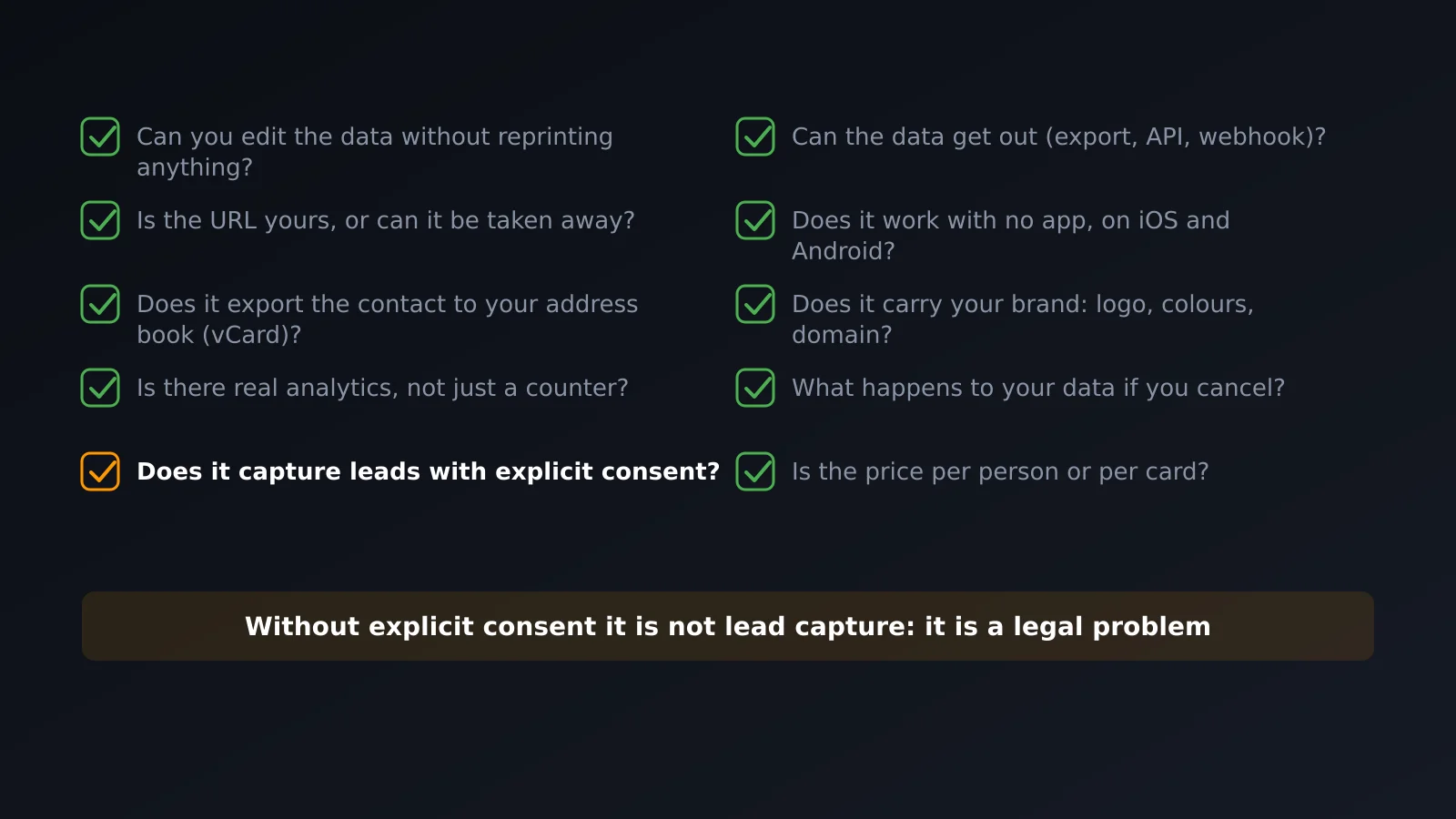
Checklist to compare two tools
| Criterion | Specific question |
|---|---|
| Sharing | QR downloadable in high resolution, standard NFC and link? |
| After the scan | Does it save the contact in one tap (vCard)? Does it capture visitor data? |
| Multiple cards | How many does my plan include? Each with its own URL? |
| Design | Can I change colors and structure, or just choose a template? |
| Widgets | Can video, PDF and meeting booking fit inside the card? |
| URL | Can I use my own domain? |
| Analytics | Does it tell me how many visits ended in a saved contact? |
| GDPR | Does the form have explicit consent built in? Can I delete data on request? |
| Integrations | Webhooks, CRM or API, or just manual CSV? |
| Permanence | If I stop paying, do my distributed QR codes still work? |
Frequently asked questions
Is it worth paying for or is a free plan enough?
It depends on whether you capture contacts. If you just want to share your data, a serious free plan is enough. As soon as you want to know who's visiting you, capture leads, or send them to your CRM, that's in the paid plans of any tool. What matters is that the free plan lets you evaluate the product for real, without expiring after thirty days. Our plans are on the pricing page.
What limits do free plans hide?
The usual three: number of scans per month, number of cards, and account expiration. The one with the number of scans is the most insidious, because it means your card stops working right the month you use it the most.
Can I change tools later?
You can, but it costs: the printed QR codes point to the old URL. That's why domain ownership matters so much—if the QR points to your own domain, you can switch providers behind the scenes without reprinting anything.
Does the person receiving the card need an app?
It shouldn't. If a tool requires the other person to install something to see your card, skip it: you've just added the friction that the digital card was supposed to eliminate.
What if my industry still uses paper?
Then carry both: a physical card with a printed QR or an NFC chip inside fulfills the social ritual and, at the same time, the content behind it is digital and editable. We develop this in what is a digital business card.
In summary
Compare tools by what they do when someone scans the card, not by how it looks on their homepage. And before you choose, ask the uncomfortable question: if I stop paying, do my QR codes still work? A tool that answers that clearly deserves more trust than one with twice as many templates.
Create your card for free and compare with this list in hand.